How to Check if the GEPCO Bill is Paid or Not
After paying your electricity bill, it is important to confirm that the payment has been successfully processed. Checking your GEPCO bill payment status helps you avoid late payment issues, unnecessary charges, and service interruptions.
Many consumers want to verify their bill payment when they do not receive a confirmation message, lose their payment receipt, or notice that the bill still appears unpaid. Fortunately, there are several simple ways to check whether your GEPCO bill has been paid.
Methods to Verify Your GEPCO Bill Payment
Below are the easiest methods to verify your bill payment:
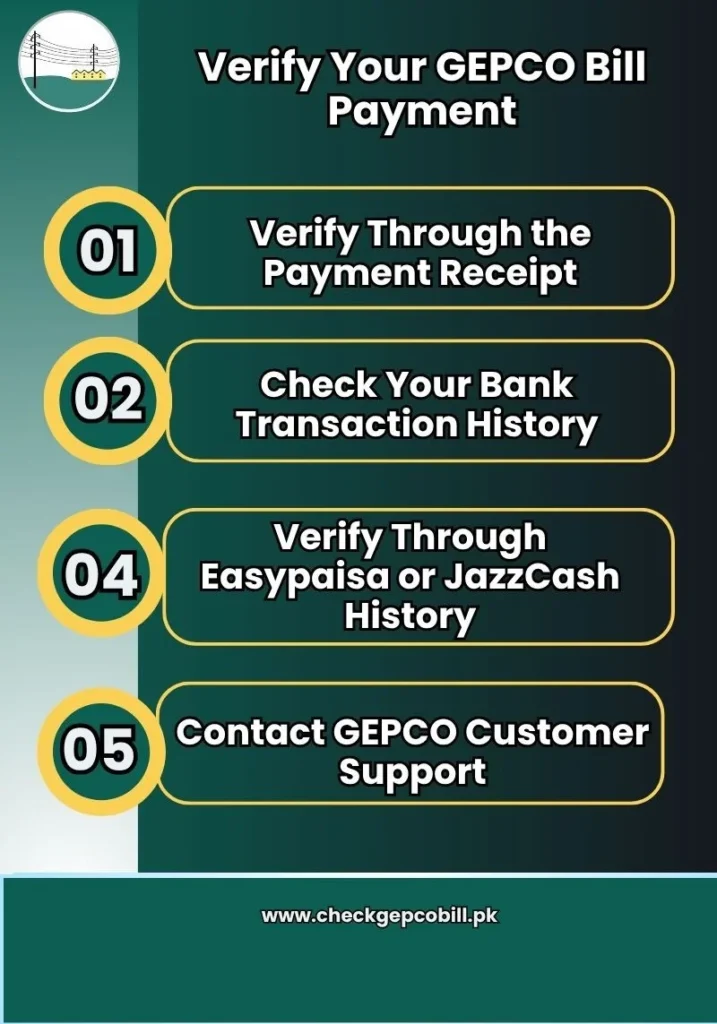
Verify Through the Payment Receipt
The easiest way to confirm your GEPCO bill payment is by checking the payment receipt provided by the bank, mobile wallet, or payment service. If you cannot pay the full amount at once, learn how to pay GEPCO bill in installments.
A valid receipt usually contains:
- Reference number or Consumer ID
- Payment amount
- Transaction ID
- Payment date and time
- Payment status
If the receipt shows a successful transaction, your payment has likely been processed.
Check Your Bank Transaction History
If you paid your electricity bill through online banking or a mobile banking application, you can verify the payment through your transaction history.
Simply:
- Log in to your bank account.
- Open the transaction history section.
- Find the electricity bill payment record.
- Check whether the transaction is marked as successful.
The transaction details can help confirm that the payment was completed.
Contact GEPCO Customer Support
If you are unable to verify the payment through receipts or transaction history, you can contact GEPCO customer support.
Keep the following information ready:
- Reference number
- Consumer ID (if applicable)
- Payment date
- Transaction ID
Verify Through Easypaisa or JazzCash History
Consumers who use Easypaisa or JazzCash can easily check their payment records.
To verify your payment:
- Open the mobile app.
- Go to the transaction history section.
- Locate the electricity bill payment.
- Review the transaction status.
A successful transaction record indicates that your bill payment has been processed.
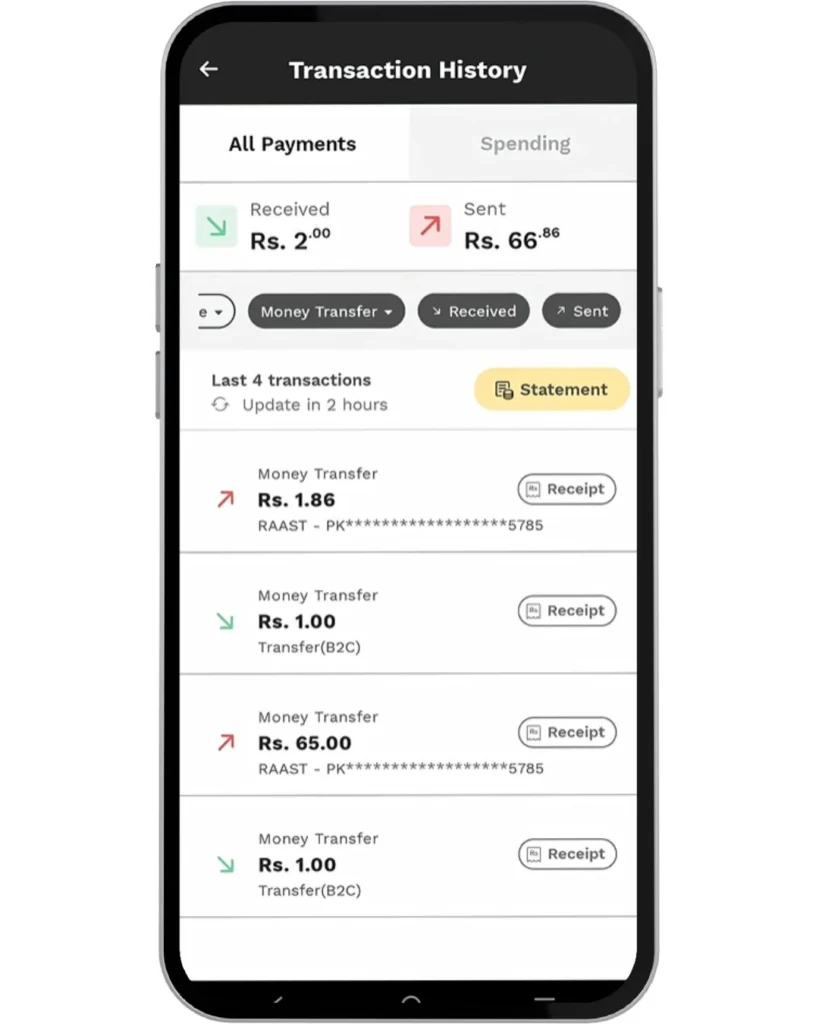
Signs That Your GEPCO Bill Payment Was Successful
Several signs indicate that your electricity bill payment has been completed successfully:
You receive a successful transaction message.
A payment receipt is generated.
The payment amount is deducted from your account.
The transaction appears in your payment history.
The payment provider confirms the transaction.
What If Your Paid Bill Still Shows as Unpaid?
Sometimes a bill may appear unpaid even after payment. This can happen for several reasons.
Processing Delays
Some payments take time to update in the system. Delays may occur during weekends, holidays, or periods of high transaction volume.
Failed Transactions
In certain cases, a payment request may fail even though it was initiated. Always verify that the transaction status shows successful.
Incorrect Reference Number
Entering the wrong reference number during payment can cause the transaction to be linked to an incorrect account.
When to Contact Support
If your bill still appears unpaid after a reasonable waiting period, contact your payment provider or GEPCO customer support and provide your payment details for verification.
How Long Does It Take for GEPCO Bill Payments to Update?
Most electricity bill payments are updated within a few hours. However, the exact processing time may vary depending on the payment method used.
Factors that may affect processing time include:
- Banking system delays
- Weekends and public holidays
- Technical issues
- High transaction volumes
If the payment does not appear after a reasonable period, keep your receipt and contact support for assistance.
Important Tips After Paying Your GEPCO Bill
To avoid payment-related issues, follow these simple tips:
- Save all payment receipts.
- Take screenshots of online transactions.
- Keep transaction IDs for future reference.
- Verify payment status after making a payment.
- Contact support if you do not receive confirmation.
These steps can help you quickly resolve any payment-related concerns.
Frequently Asked Questions (FAQs)
Conclusion
Checking whether your GEPCO bill has been paid is important for avoiding unnecessary problems and ensuring uninterrupted electricity service. You can verify your payment through receipts, banking records, mobile wallet transaction history, or customer support. Always save your payment proof and confirm the payment status after every transaction.